Introducing AI Workflows
20 pre-built AI Workflows are now live in GraftPal AI, covering lead nurturing, sales, payments, client retention, support, operations, and growth. Each workflow combines triggers, AI decisions, and actions you can activate in minutes.
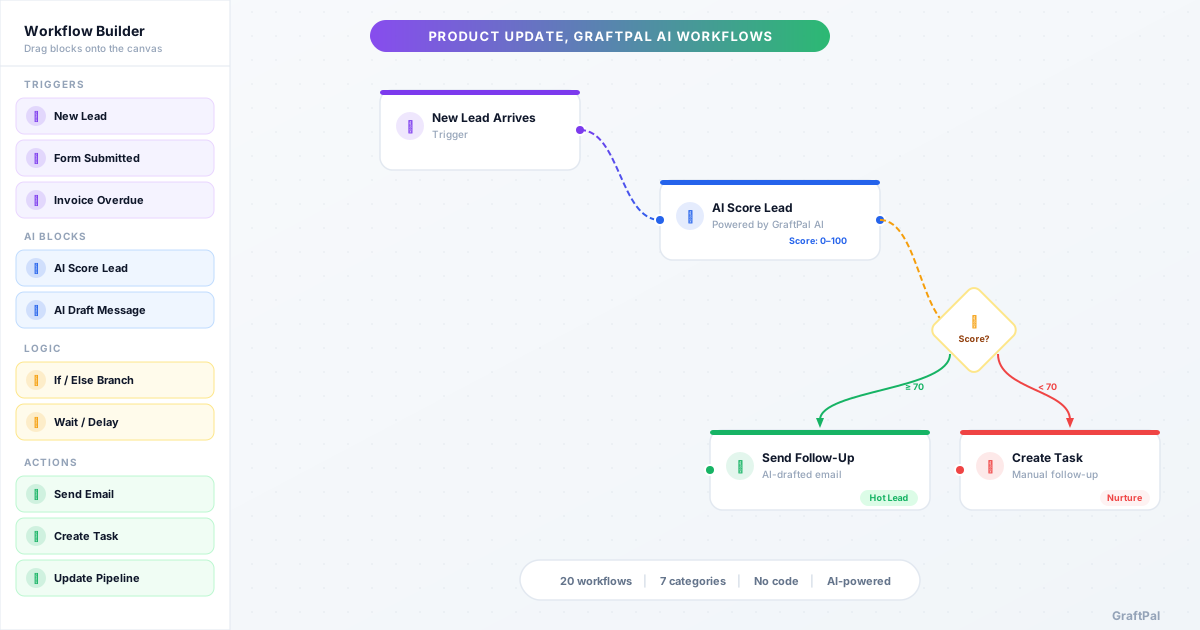
Today we're launching AI Workflows, a library of 20 pre-built automations inside GraftPal AI that handle the repetitive work behind lead nurturing, sales follow-ups, payments, client retention, support, and day-to-day operations.
Why AI Workflows
Most service businesses run on manual processes: following up with leads by memory, chasing invoices by spreadsheet, sending review requests when someone remembers. These tasks are important but repetitive, and they're the first things that slip when you're busy.
AI Workflows automate them. Each workflow combines a trigger (something happens in your CRM), an AI decision (GraftPal AI analyses the context), and one or more actions (send an email, create a task, update a record). You activate a workflow, and it runs in the background, consistently, every time, without you thinking about it.
What's Included
We've launched with 20 workflows across seven categories:
Lead Nurturing, Three workflows that ensure every new lead gets attention. The Smart Lead Follow-Up AI Workflow uses AI to score incoming leads and route them to priority or standard follow-up paths. The Dormant Lead Re-engagement AI Workflow detects inactive leads and drafts personalised outreach. And the New Lead Welcome AI Workflow sends a warm welcome email immediately, followed by a value-add message three days later.
Sales, Four workflows for quote and proposal management. The Smart Quote Follow-Up AI Workflow waits two days after sending a quote, then uses AI to decide whether a phone call or email follow-up is more likely to convert. The Proposal Follow-Up AI Workflow detects when a proposal is viewed but not accepted and drafts a nudge addressing likely objections. If a quote is declined, the Quote Declined Win-Back AI Workflow analyses the situation and drafts a discount offer, alternative scope, or graceful thank-you. And when a contract is signed, the Contract Signed Kickoff AI Workflow sends a professional onboarding email and creates setup tasks for your team.
Payments & Revenue, Two workflows to get paid and stay professional. The Overdue Invoice Chaser AI Workflow drafts polite payment reminders and creates follow-up tasks. The Payment Thank-You AI Workflow sends a personalised thank-you when a payment arrives, with a subtle suggestion for related services.
Client Retention, Three workflows that turn completed work into long-term relationships. The Job Completion Review AI Workflow sends AI-personalised review requests one day after a job is finished. The Post-Job Referral AI Workflow detects positive reviews and asks happy clients for referrals, while flagging negative reviews for your team. The Client Anniversary Check-In AI Workflow drafts personalised annual check-ins reflecting on the work you've done together.
Support, Two workflows for faster support resolution. The Smart Ticket Response AI Workflow assesses ticket urgency, critical tickets get immediate team alerts; standard tickets receive AI-drafted responses informed by your knowledge base. The Post-Resolution Survey AI Workflow sends a check-in two hours after a ticket is resolved to catch unresolved problems early.
Operations, Three workflows for client communication. The Job Started Client Update AI Workflow notifies clients when work begins, with timelines and contact info. The Appointment Reminder AI Workflow sends confirmations instantly and reminders the day before. The Document Upload Notification AI Workflow summarises uploaded documents with AI and creates review tasks.
Growth & Marketing, Three workflows for growth. The Survey Response AI Workflow scores client satisfaction, happy clients get referral asks, unhappy ones trigger urgent follow-ups. The Smart Upsell After Payment AI Workflow waits three days after payment, then AI selects the best upsell approach. And the Custom Builder AI Workflow gives you a blank canvas to build any automation using the visual editor.
How It Works
Every AI Workflow follows the same structure:
1. Trigger, An event in your CRM starts the workflow: a new lead, a sent quote, an overdue invoice, a completed job. 2. AI Decision, GraftPal AI analyses the context, client history, engagement signals, sentiment, urgency, and makes a decision. 3. Action, Based on the AI's decision, the workflow sends an email, creates a task, updates a record, or routes down a different path.
Where the workflow drafts an email, that draft goes to your approval queue first. You review it, edit if needed, and approve with one click. The AI does the work; you keep control.
No Code Required
You don't need to configure anything complex. Browse the AI Workflows library, select a workflow, and activate it. Default settings work out of the box, triggers, delays, and AI behaviour are all pre-configured. If you want to customise, the visual editor lets you adjust trigger conditions, change delays, edit email templates, and modify AI decision rules.
Custom Workflows
If the 20 pre-built workflows don't cover your specific use case, the Custom Builder AI Workflow lets you start from scratch. Choose a trigger, add conditions and AI decision blocks, configure actions, and activate. The visual drag-and-drop editor means no code is required.
Pricing
AI Workflows are included at no extra cost on all paid GraftPal plans. There are no per-workflow fees, no execution limits, and no feature gates. Every paid user gets full access to all 20 workflows and the custom workflow builder.
Getting Started
Visit AI Workflows to browse the full library. Each workflow page explains exactly how it works, step by step, with benefits and FAQs. Select a workflow, activate it, and let GraftPal AI handle the rest.
If you're not sure where to start, we recommend the Smart Lead Follow-Up AI Workflow, it's the fastest way to see AI Workflows in action.
Topics
Written by
Product Lead
Callum oversees product strategy at GraftPal, translating customer feedback into features that simplify lead management for small teams.
View all articlesKeep Reading
Related Resources
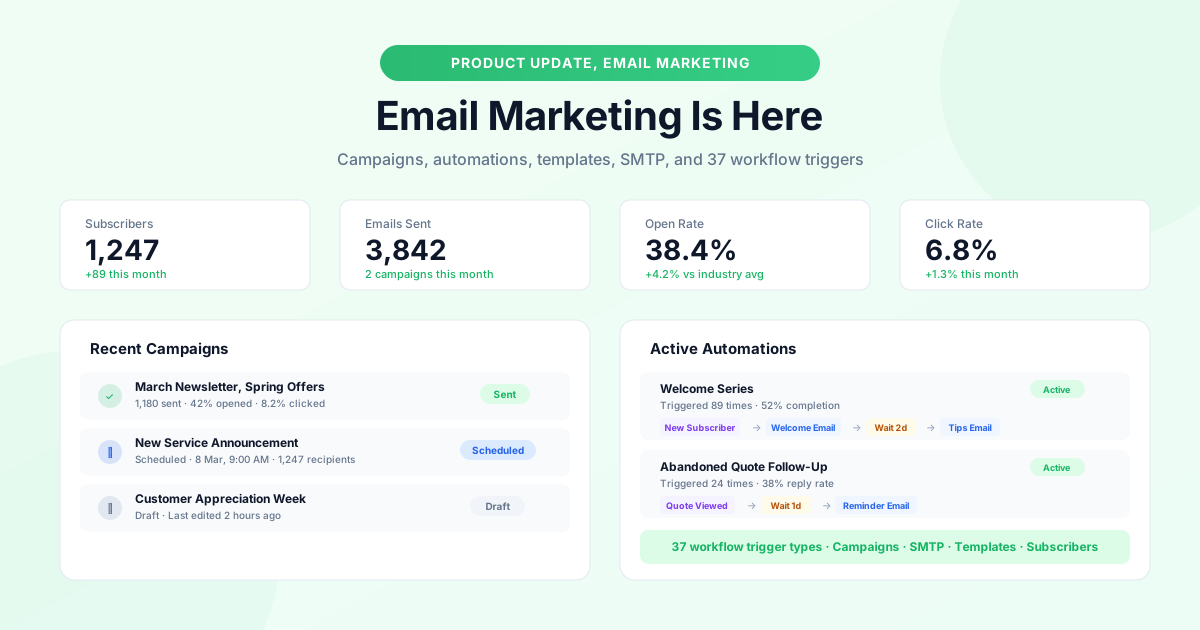
GraftPal Email Marketing Is Here
A complete email marketing system is now built into GraftPal: campaigns, automations with 37 trigger types, subscriber management, SMTP support, and a template gallery.
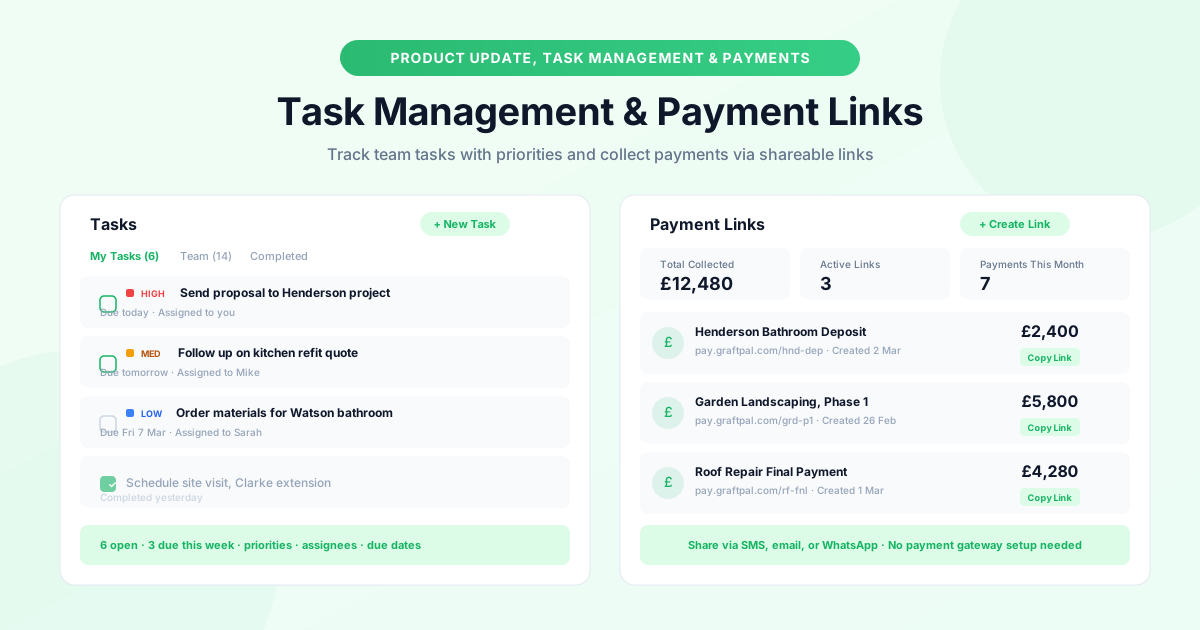
New: Task Management and Payment Links
Two new tools to keep your operations running smoothly: task management with priorities, due dates, and assignees, plus payment links you can share anywhere.
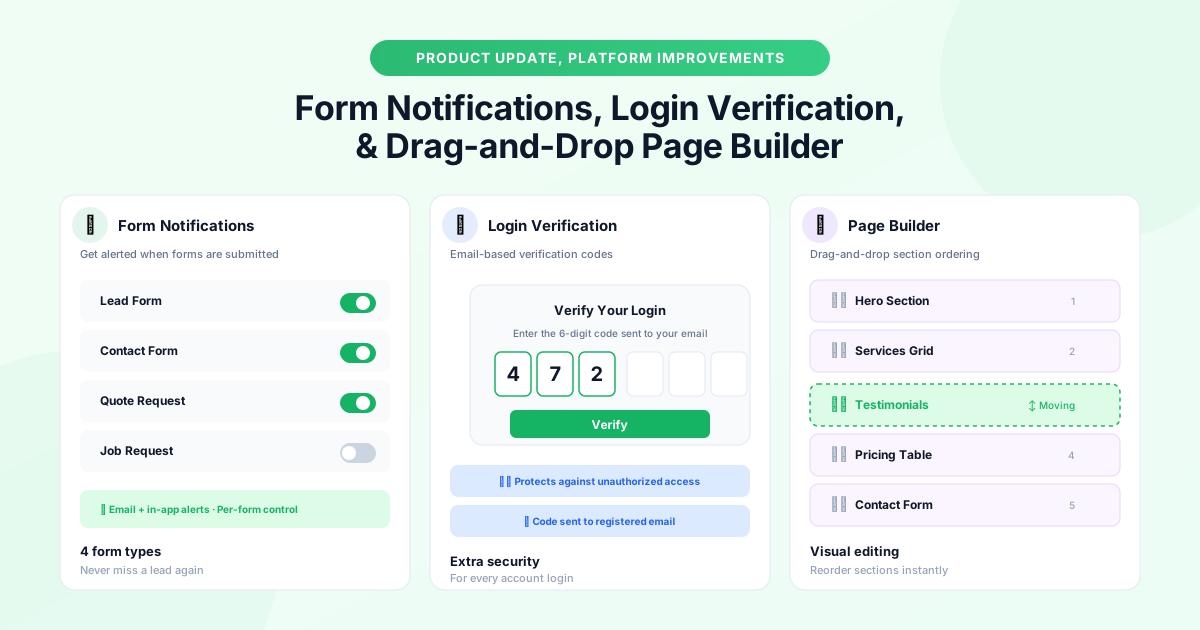
Platform Updates: Form Notifications, Login Verification, and Page Builder Improvements
Three platform improvements landing this month: instant form notifications, email-based login verification codes, and drag-and-drop section ordering in the page builder.
Ready to Run Your Business From One AI-Powered Platform?
Join thousands of freelancers, consultants, and service businesses who replaced their tool stack with GraftPal. One platform. One login. Everything connected, with AI built in.